Gapless loops
The jump from the end of a loop back to its start is seamless, so the groove never breaks. You can even add and move markers while the loop keeps playing.
For iPhone & iPad
Audio Looper+ repeats any section of a track without a gap. Drop markers on the waveform, slow the music down without changing its pitch, add an optional rest between repeats and export your loops as audio files.

Free 3-day trialthen a one-time purchase, no subscription
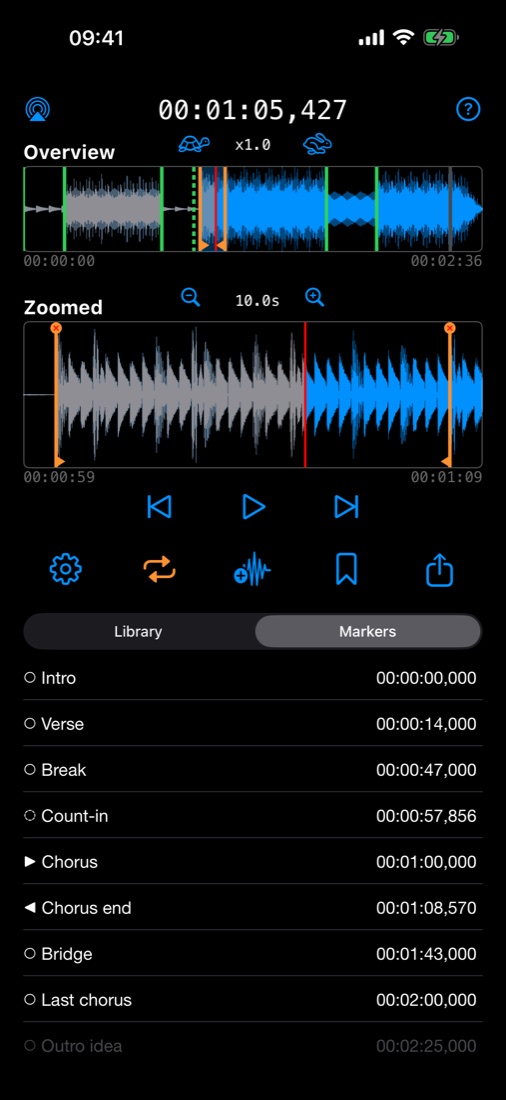
Repeat a tricky solo or riff at half speed until your fingers know it.
Drill one eight-count over and over, with an optional short break to reset.
Zoom in, slow down and loop a single bar to catch every note.
Loop one sentence of a recording and repeat it out loud.
Features
Everything Audio Looper+ does serves one goal: find the part you need and hear it again, as often as you need.
The jump from the end of a loop back to its start is seamless, so the groove never breaks. You can even add and move markers while the loop keeps playing.
Play anywhere from half speed to double speed in small steps. The key stays the same, so you can play along at any tempo.
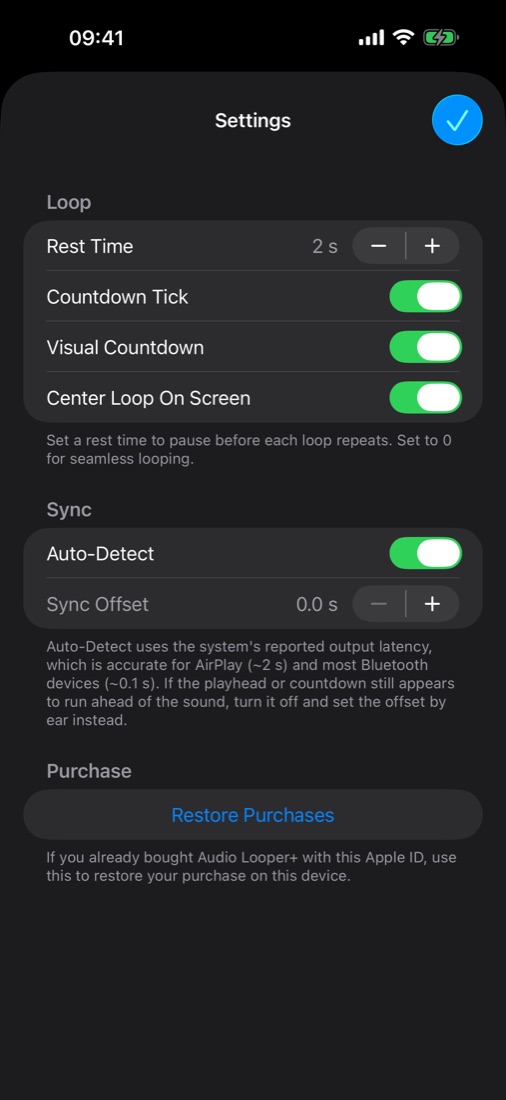
Loops repeat seamlessly by default. If you want a moment to reset your hands or your position, add up to 60 seconds of rest, with an optional countdown tick and visual countdown.
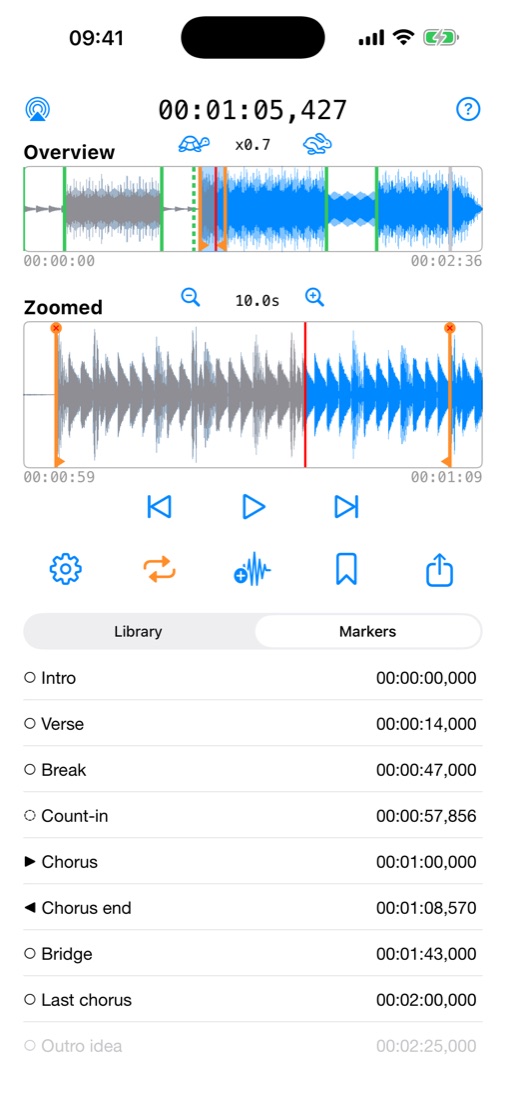
The overview shows the whole track. The zoomed view scrolls along with the music and zooms in with a pinch, so you can see exactly where each note starts.
While dragging a marker or the playhead, slide your finger up or down to slow it down for fine adjustment. Your finger never covers the spot you're aiming at.
Save the current loop as its own audio file in the format you need. You can also export all marker names and times as a CSV file to use in a spreadsheet, a DAW or a setlist.
Wireless speakers lag behind. Audio Looper+ detects the delay automatically and keeps the playhead in sync with what you hear. You can also set it by hand.
Add tracks from the Files app or from your Music library.
Name, rename, move or disable markers. They are there the next time you open the track.
Previous and next buttons take you straight to the start of any section.
Tap near a marker to snap to it, or anywhere on the waveform to jump there.
Follows your system appearance and is easy on the eyes on a dim stage.
One purchase, both devices. The iPad gives the waveforms extra room.
How loops work
Each marker has a type. Mix them to build exactly the loop you need, from "repeat this bar" to "play the intro once, then repeat the chorus".
Plain line. Starts and ends loops. The loop runs from the marker before the playhead to the marker after it.
Triangle pointing right. Playback runs through it, and the loop jumps back to it.
Triangle pointing left. Only ends loops: playback jumps back from it to the loop start before it.
Dashed line. Ignored by looping, but the previous and next buttons still stop there. Handy as a lead-in a few beats before the loop.
Grayed out. Kept for later but ignored by looping and by the marker buttons.
A common practice setup, made with two markers.
A closer look
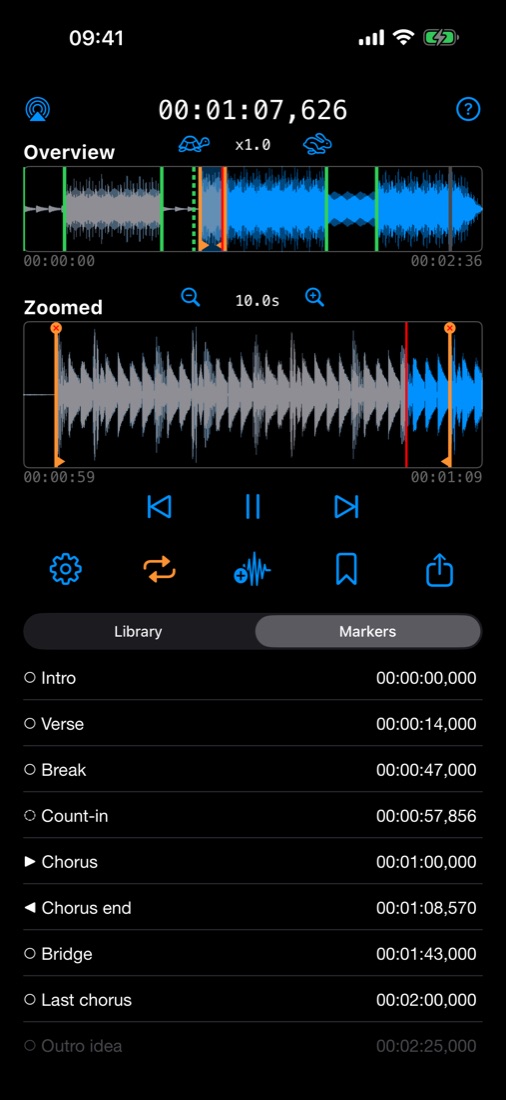
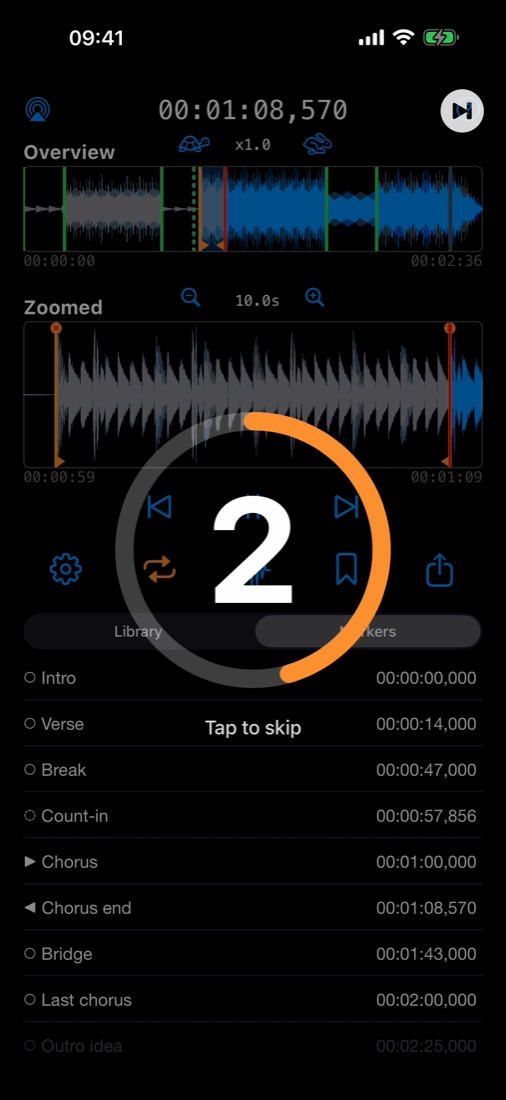
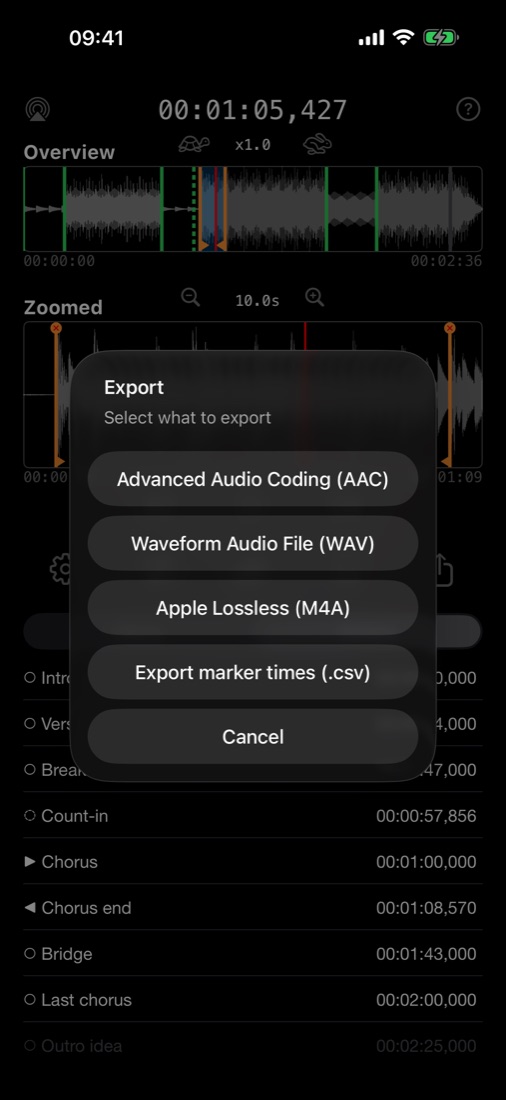
Light mode
Audio Looper+ follows your system appearance, so it looks just as clear in light mode. Same waveforms, same markers.
Pricing
No account, no subscription, no ads. Your purchase unlocks Audio Looper+ for good, on your iPhone and iPad.
FAQ
Any common audio file you can open on your iPhone or iPad, such as MP3, AAC/M4A, WAV or AIFF. Import them from the Files app (including iCloud Drive) or from your Music library. Copy-protected Apple Music tracks can't be imported.
No. You can play from 0.5× to 2× speed and the music stays in its original key.
Yes. With the rest time set to 0 s, playback goes straight from the loop end back to the loop start without a gap or click. Adding or moving markers doesn't interrupt the music either.
No. By default the rest time is 0 s and the loop repeats seamlessly. If you want a break, set a rest time of up to 60 seconds in the settings. The countdown tick and the on-screen countdown are separate switches, so you can use a rest with or without them.
Yes. Wireless speakers and headphones add a short delay. Audio Looper+ can detect it automatically so the playhead matches what you hear, or you can set the offset yourself in the settings.
Yes. Markers are saved per track and restored the next time you open it. You can also export them as a CSV file with name, time, type and status.
No. You get a free 3-day trial with every feature, then unlock the full version with a single in-app purchase. If you reinstall the app or get a new device, use "Restore Purchases" in the settings.
Download Audio Looper+ and try every feature free for 3 days.